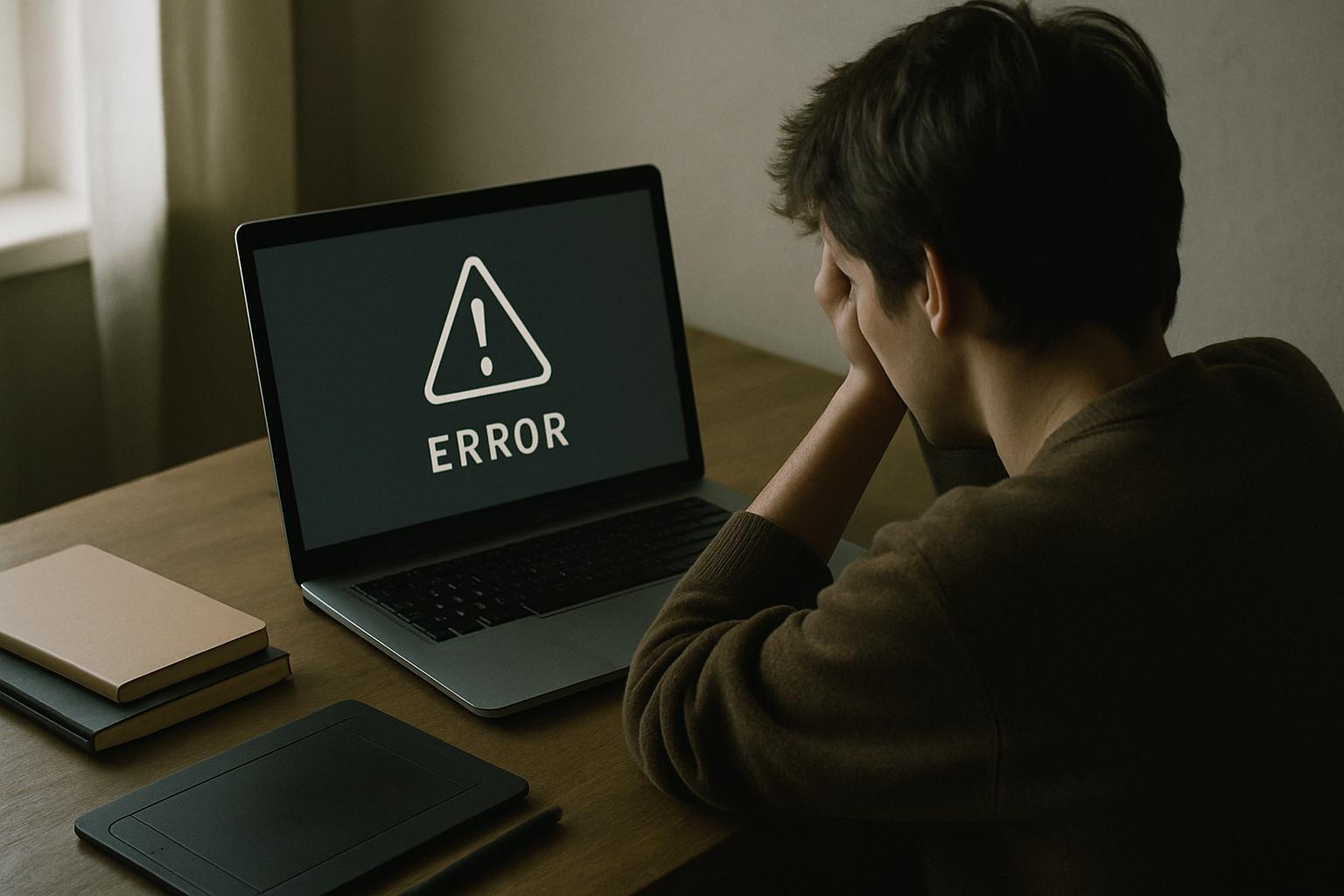
A Microsoft update broke Teams and Outlook on ARM-based Windows devices — including the Surface Pro and a range of Snapdragon-powered laptops. For many users, the apps simply stopped opening mid-session. No warning, no graceful shutdown. If you had an unsent draft, an open contract thread, or a file shared moments earlier, it was just gone. For creators who depend on those tools to communicate with clients and protect their work record, this kind of failure is more than an inconvenience. It is a reminder that data recovery for creators is not a niche IT concern — it is a basic professional skill.
What Actually Happened With ARM Windows
The issue traced back to a Microsoft update that caused Teams and Outlook to stop functioning on ARM-architecture devices. ARM chips — used in the Surface Pro X, Surface Pro 9 with 5G, and various Qualcomm Snapdragon laptops — handle software differently from traditional Intel or AMD processors, which can make them more vulnerable to compatibility problems in patches.
Microsoft acknowledged the problem. But acknowledgment does not reopen your inbox. The fix took time to arrive, and in the meantime, users were locked out of their primary communication tools with no clear recovery path.
This is not the first time an update has caused this kind of disruption. It will not be the last. The pattern is consistent enough that treating it as a one-off would be a mistake.
Why This Hits Creators Harder Than Most
A corporate employee with a broken laptop calls IT. A freelancer, independent creator, or small studio founder becomes their own IT department — usually while a client is waiting on the other end.
Creators often work in long, unbroken sessions. A copywriter might spend three hours drafting a pitch directly in Outlook. A designer might be mid-handoff on Teams when everything freezes. A consultant might be negotiating a contract over email when the app refuses to open.
The timing of a crash matters. Losing an hour of work on a Tuesday afternoon is frustrating. Losing access to your inbox during a client approval window can delay a payment or damage a relationship that took months to build.
There is also a subtler problem. When tools go down without warning, autosave cannot always be trusted. If the app crashes before it writes the last save, the file on disk may be incomplete — or worse, corrupted.
The Hidden Data Risk Nobody Talks About
Software crashes do not just freeze your screen. Depending on how the app fails, they can leave local files in a broken state.
Outlook, on many configurations, stores a local copy of your mailbox in a file called an OST (offline storage table). Think of it as a local mirror of your email. A hard crash can leave that file partially written — technically present on your drive, but unreadable until it is repaired or rebuilt.
Teams stores a cache of recent conversations and shared files on your device, usually inside your AppData folder (a hidden system folder Windows uses for app data). A corrupted cache can make recent files temporarily inaccessible even though they exist on Microsoft’s servers.
For creators who use their inbox and chat history as a record of client agreements, feedback rounds, and deliverable approvals, that data has real value — not just practical, but potentially legal. How things play out if a dispute arises varies by country and situation, and a lawyer should confirm what applies to you. But the general principle is clear: losing that record puts you at a disadvantage.
Your Work Is Your IP — Treat It That Way
Every draft in your Outbox, every brief a client sent you, every approval thread in Teams is part of your intellectual property record. It documents what you created, when you delivered it, and what was agreed.
If a dispute ever arises over ownership or delivery, email timestamps and file version history are often the clearest evidence available. A crash that corrupts or deletes that history is not just a tech problem — it weakens your ability to defend your own work.
Think of your data the way you think of a signed contract: worth keeping a copy of, worth storing somewhere safe, and worth checking on regularly.
Why Creators Keep Losing Control of Their Own Work
There is a structural reason this keeps happening, and it goes beyond bad update management. Online systems have no reliable way to tie data ownership to a real, accountable person. When your files live inside a platform — stored in formats the platform controls, accessible only through apps the platform maintains — ownership defaults to whoever controls the infrastructure. That is rarely you.
When the app breaks, you cannot simply open your files another way. When the platform changes its terms, you may not have a copy elsewhere. When a crash corrupts a local cache, the platform’s repair tools may overwrite the only evidence of what was there. The person whose work it actually is has the least control over what happens to it — because the system was never designed to make that connection explicit.
This is not a conspiracy. It is just how platforms are built. The answer is to stop treating platform storage as ownership, and start keeping copies you actually control.
Practical Steps to Take Before the Next Update Breaks Something
These are specific actions, not general advice.
- Check where Outlook stores your mail. Go to File > Account Settings > Account Settings, click your account, and look at whether it connects to Microsoft 365 or Exchange. If it does, your mail syncs to the cloud and a local crash is less catastrophic. If you see a local PST file listed, your mail may only exist on that device.
- Export important Teams conversations. Teams does not make this easy, but you can copy key threads into a plain document or use the built-in export request under Settings > Privacy > Export data. Do not assume Teams will hold everything indefinitely.
- Back up active project files weekly. Set a calendar reminder. Copy your working folder to an external drive or a separate cloud service — not just the same OneDrive account tied to the app that just broke.
- Delay automatic updates on your primary machine. In Windows Update settings, you can pause updates for up to five weeks. Waiting one to two weeks after a patch ships means someone else finds the problem first.
- Keep a plain-text log of client agreements. A simple text file with dates, deliverable descriptions, and agreed terms survives any software failure. It is not a contract substitute, but it is a record that does not depend on an app to open.
How to Recover If You Are Already Affected
If Outlook will not open, go to outlook.com in a browser immediately. Your mail should be accessible there if your account is connected to Microsoft 365. This also confirms whether the problem is the app or the account.
For Teams, open a browser and go to teams.microsoft.com. Most conversation history and shared files live on Microsoft’s servers, not just your device, so the browser version often works even when the desktop app does not.
Before running any repair tool, check your AppData folder. In Windows, press Win + R, type %appdata%, and look inside the Microsoft > Teams or Microsoft > Outlook folders. A data recovery specialist — or a tool like Recuva (free) or Windows File Recovery (built into Windows 10 and 11) — may be able to retrieve recent file versions from this location before a repair process overwrites them.
Report the issue through the Windows Feedback Hub (search for it in the Start menu). The volume of reports influences how quickly a patch is prioritised.
The Bigger Lesson: Platform Dependency Is a Business Risk
If every piece of your working life lives inside one platform — your drafts in Outlook, your files in OneDrive, your client conversations in Teams — then a single bad update can stop your business. That is not an edge case. It happened to a measurable number of people during this ARM Windows incident.
Diversifying where your work lives is not paranoia. It is basic continuity planning. Keep local copies. Use more than one cloud service. Export records you cannot afford to lose. Your intellectual property is only as safe as the infrastructure holding it, and that infrastructure is controlled by someone else.
The good news is that building these habits costs almost nothing. A weekly backup reminder and a plain-text client log are free. They are also the foundation of any serious approach to data recovery for creators — because recovery is much easier when you have something to recover from.
Frequently asked questions
Will Microsoft restore files that were lost in the Teams or Outlook crash?
Microsoft does not typically restore individual users’ locally corrupted files. If your data was stored server-side — in a Microsoft 365 mailbox or SharePoint — it is likely intact and accessible through the web versions of the apps. If the data existed only in a local cache or a local PST file, recovery depends on what is still readable on your device. Microsoft’s support team can advise on your specific account configuration, but do not assume they hold a copy of everything.
Does a software crash affect my ownership of the work I had open?
A crash does not transfer ownership of your work to anyone. What it can affect is your ability to prove what you created and when. If the only copy of a draft or an approval email was in a corrupted file, you lose that evidence — not the underlying right, but the practical ability to demonstrate it. How ownership disputes are resolved varies significantly by country and contract terms. A lawyer should advise on your specific situation.
How do I know if my Outlook data is stored locally or in the cloud?
Open Outlook, go to File > Account Settings > Account Settings, and click on your email account. If it shows as a Microsoft Exchange or Microsoft 365 account, your mail syncs to the cloud and a local crash is unlikely to cause permanent loss. If you see a reference to a PST file (personal storage table — a local file on your hard drive), that data may only exist on your machine and should be backed up manually.
Related reading
- When Software Breaks: What Creators Risk Losing
- Admin Token Theft: What It Means for Your Creative Work
Scams, fraud, bots and manufactured noise keep spreading because the internet was built with no reliable way to know who anyone actually is. Everyone deserves authenticity and accountability online, and that is the mission we are working on. Subscribe to follow what we are building.
This article is general information, not legal advice. Laws differ by country — consult a qualified lawyer about your situation.