A webinar has put a spotlight on a quiet but serious problem for anyone who works inside Google Workspace. Third-party applications that were granted access to your account — sometimes years ago — can continue to hold that access indefinitely, even if you stopped using the app long ago and have no memory of connecting it. The issue is not a single dramatic hack. It is a slow accumulation of open doors, each one left ajar because closing them never felt urgent enough.
What happened
The webinar focused specifically on how Google Workspace third-party app access creates a structural security problem rather than a one-off incident. The core finding is straightforward: every time you connect an external tool to your Google account, you grant it a set of permissions. Those permissions do not expire automatically. They sit there, active and largely invisible, until someone deliberately removes them.
Over time, integrations pile up. Each one was set with permissions broad enough to feel convenient at the time. Almost none of them get revisited. The webinar examined how this pattern contributes to real breaches and which controls can help reduce the exposure before damage occurs.
Who is affected
Anyone using Google Workspace as their primary work environment is potentially exposed. But the risk is sharpest in specific situations.
- Fast-growing teams where new tools get added quickly and old ones rarely get removed.
- Freelancers and solo creators who store contracts, client communications, creative drafts and financial records in Google Drive. They are just as vulnerable as larger companies and often have less time to audit what they have connected.
- Founders who have built their business on Google Workspace and connected project management tools, CRMs, marketing platforms, scheduling apps and file-sharing services over the years. Some may have dozens of active integrations they no longer think about.
The people most at risk are those who gave an app broad access during a busy period and then moved on without going back to review or revoke that permission. That description fits most people who have used Google Workspace for more than a year or two.
What the real risk is
When a third-party app holds active access to your Google Workspace account, it can potentially read your emails, access your files, view your calendar and interact with your contacts. The exact scope depends on what permissions were granted at the time you connected it.
The danger grows if that app is later compromised, abandoned by its developers, sold to a new owner, or simply poorly secured. Whoever gains access to the app may also gain access to everything it was permitted to see inside your account.
For creators, this is not just a privacy concern. Your Google Drive may contain unpublished work, client briefs, licensing agreements, brand assets and personal identification documents. A breach of that material could mean your intellectual property is exposed before you choose to release it, or that sensitive client data is leaked in a way that damages your professional relationships.
The risk compounds because these connections are invisible during normal use. You do not get a notification when a forgotten app quietly reads a file. You find out only when the damage has already been done.
What to do today
These steps are achievable this week, with no technical background required.
Step 1: See what has access to your account
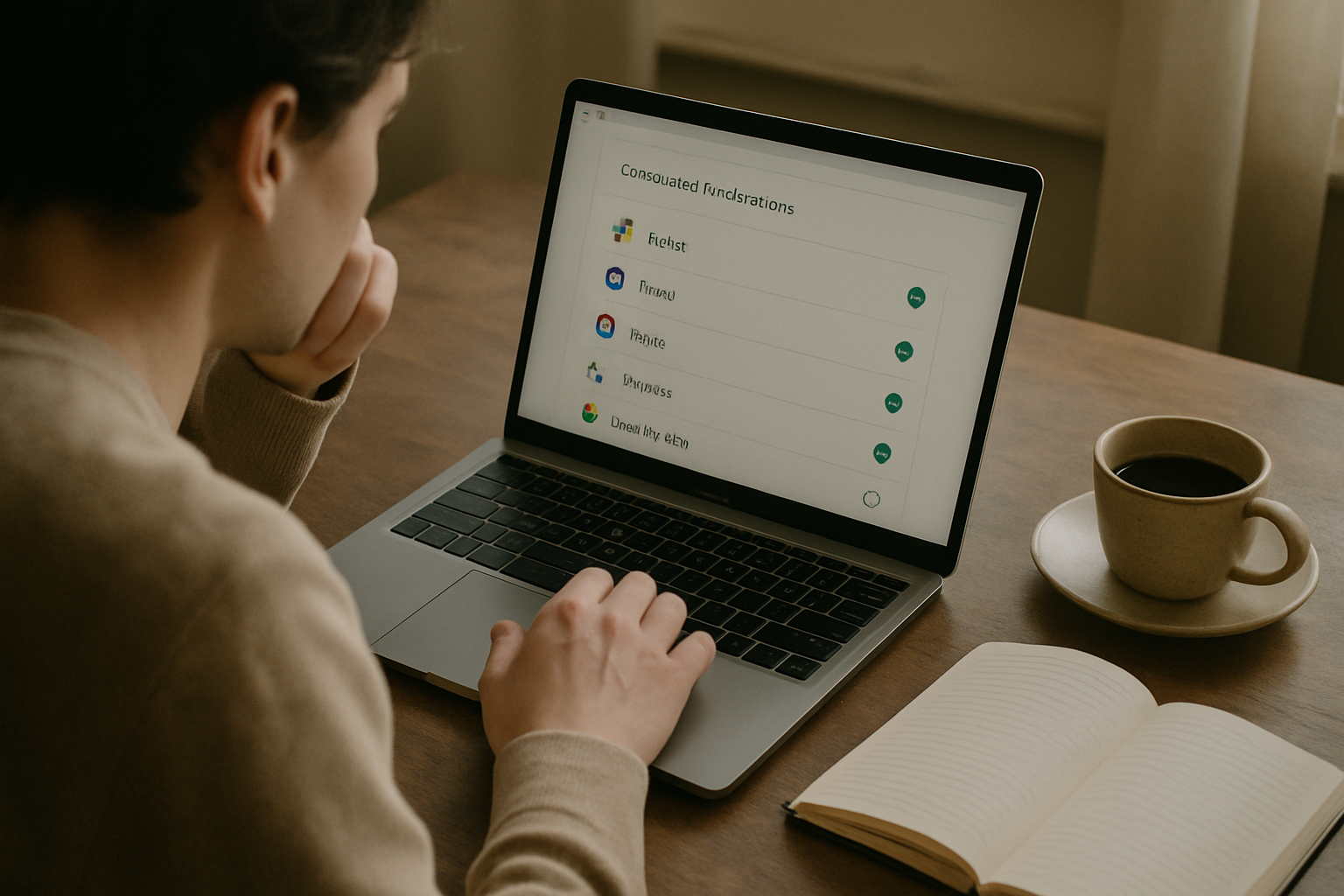
Go to myaccount.google.com, click on Security in the left-hand menu, then scroll down to the section called “Third-party apps with account access” (sometimes listed as “Your connections to third-party apps and services”). Click into it. The list is often longer and more surprising than people expect.
Step 2: Review each app with three questions
For every app on that list, ask yourself:
- Do I still use this?
- Do I remember granting it access?
- Does it genuinely need the level of permission it holds?
If the answer to any of those is no or uncertain, revoke the access. Revoking is usually a single click inside the same screen.
Step 3: Prioritise the highest-risk permissions
Pay particular attention to apps that were granted access to Gmail, Google Drive or Google Contacts. These tend to hold the most sensitive material for creators and freelancers. An app that can read your Gmail can see every client conversation you have ever had. An app that can access your Drive can see every document in it.
Step 4: Build a quarterly review habit
After clearing out old connections, set a recurring reminder — for example, the first Monday of each quarter — to run through this list again. Unused integrations accumulate faster than most people realise. A quarterly check keeps the list manageable.
Step 5: Limit permissions when connecting new tools
When you connect a new tool in future, choose the most limited permission level that still allows it to do its job. Many apps request access to your entire Drive when they only need one folder. Broad access feels easier in the moment but creates a much larger exposure if something later goes wrong with that app.
Why this keeps happening
The immediate answer is that convenience keeps winning over hygiene. Connecting a new tool to Google Workspace takes about thirty seconds. Reviewing and revoking old connections feels like a low-priority task that can always wait for a quieter week. Most platforms make it easy to grant access and friction-free to keep it. There is no automatic expiry on permissions, no regular prompt asking whether you still need a connection, and no obvious warning when an app you forgot about is still reading your data.
But there is a deeper pattern here. Online systems generally have no reliable way to tie data ownership to a real, accountable person. When you connect an app and grant it access to your files, your emails, your contacts, the platform records that a connection exists — but it does not continuously verify that you, as the person who owns that work, still intend for that connection to remain open. The permission is recorded once and then treated as permanent until someone actively challenges it.
This creates a gap that other parties fill by default. Apps retain access not because anyone decided they should keep it, but because no one decided they should not. The ownership of your data — who can read it, copy it, act on it — drifts away from you quietly, through inaction rather than intention. For creators and founders whose entire body of work lives inside Google Workspace, that drift can expose years of intellectual property to parties they have long since stopped thinking about.
This is also why breaches in this category often come as a shock. The entry point is not a new vulnerability or a sophisticated attack. It is an old door that was never closed.
Frequently asked questions
How do I see which apps have access to my Google Workspace account?
Go to myaccount.google.com, select Security, and look for the section on third-party apps with account access. This shows every external application that has been granted permission to interact with your Google account. Each entry shows what level of access was granted.
Can a third-party app access my Google Drive files without me noticing?
Yes. If an app was granted Drive access, it can read files without triggering any visible notification to you. There is no alert system that tells you when a connected app has accessed a document. This is why reviewing and revoking unused connections matters — you cannot rely on activity alerts to warn you.
Does revoking an app’s access delete the data it already copied?
No. Revoking access stops the app from reading or interacting with your account going forward, but it does not remove any data the app may have already copied or stored on its own servers. What happens to that data depends on the app’s own privacy policy and data retention practices, and this varies by country. If you are concerned about data that may already have been copied, a lawyer in your jurisdiction can advise on your options.
Related reading
- Mathspace Breach: What Exposed Student Data Means for You
- Store Backdoor Threat: Protect Your Creative Revenue
Originally reported by bleepingcomputer.com. This article summarises that reporting and adds practical guidance.
Scams, fraud, bots and manufactured noise keep spreading because the internet was built with no reliable way to know who anyone actually is. Everyone deserves authenticity and accountability online, and that is the mission we are working on. Subscribe to stay informed as we cover the issues that matter to creators, freelancers and founders trying to protect their work.
This article is general information, not legal advice. Laws differ by country — consult a qualified lawyer about your situation.