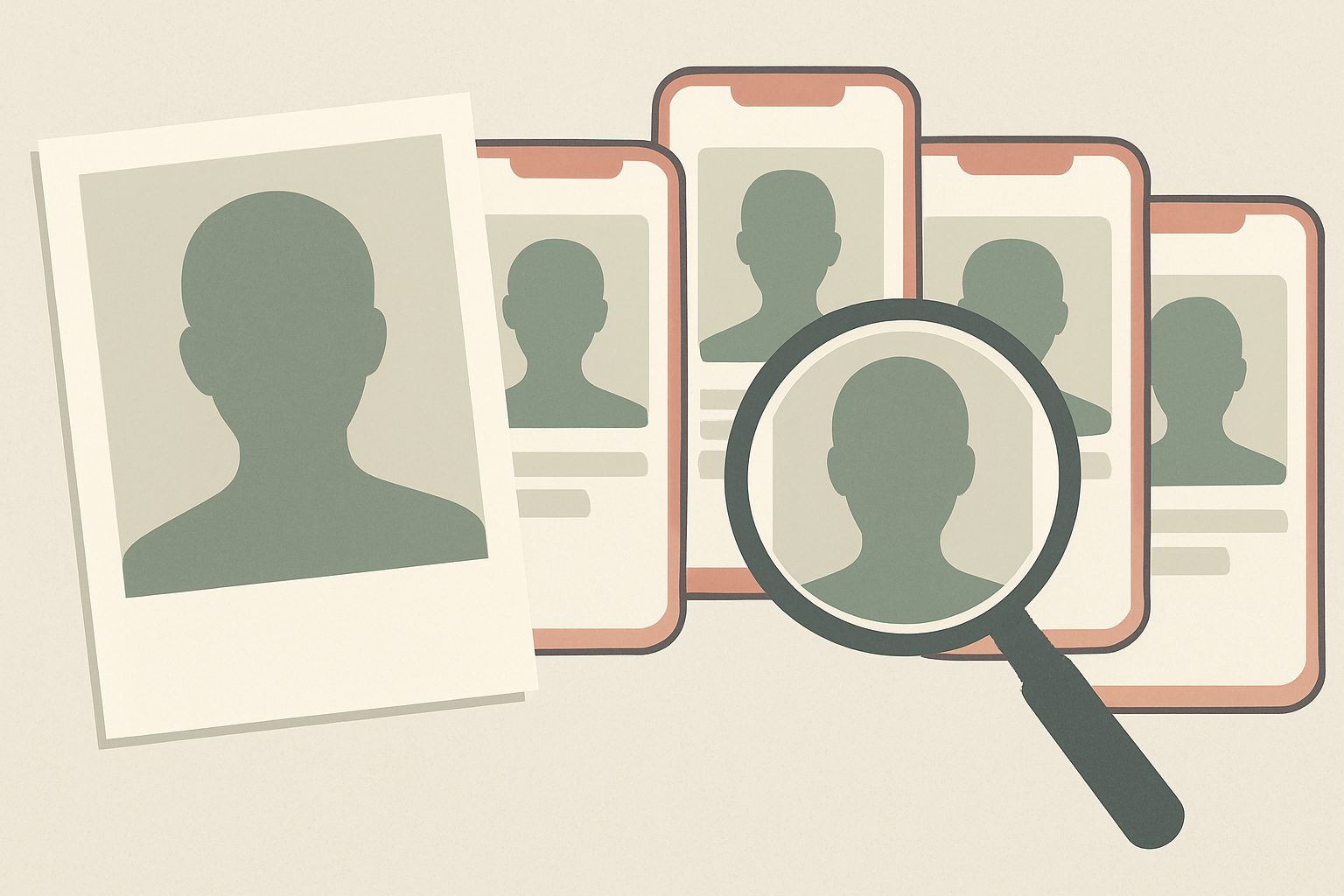
If someone is using your photos on a fake profile, a website or an advert, you can usually get them taken down. Start by finding every copy, saving evidence, and reporting each one to the platform as impersonation or a copyright breach. This guide explains what to do when someone is using your photos on Tinder, Hinge, Instagram, Facebook, marketplaces or anywhere else online.
Why Someone Would Use Your Photos
Stolen photos are rarely about you personally. They are useful because they make a fake account look real. The most common reasons are:
- Romance scams and catfishing. Scammers use attractive, ordinary-looking photos on dating apps and social media to build trust, then ask for money.
- Impersonation. Someone pretends to be you to contact your friends, ask for money, or damage your reputation.
- Fake sellers and reviews. Photos of real people make fake marketplace sellers, testimonials and adverts look trustworthy.
- Commercial use. Businesses sometimes copy photos for websites or products without permission.
- Harassment. In the worst cases, photos are used to embarrass, threaten or sexualise someone.
Our guide to romance scams on our sister site Mafiology explains how these fake profiles are used against victims.
Step 1: Find Where Your Photos Are Being Used
- Run a reverse image search. Upload your photo to Google Lens, TinEye and Bing Visual Search. Each finds different results, so use all three.
- Search your name and usernames, plus variations, on the main social platforms.
- Ask friends to tell you if they see a profile that looks like you. Many people find out this way.
- Check dating apps if a friend reports a match with your photos, since reverse image search cannot see inside most apps.
Step 2: Save Evidence Before Reporting
Profiles often disappear once reported, and you may need proof later. For each copy, save:
- Screenshots showing the profile, the photos and the username.
- The full web address (URL) of the profile or page.
- The date you found it, and any messages sent to you or your friends.
- Your original photo files, which help prove the images are yours.
Step 3: Report It to the Platform
Every major platform bans impersonation and fake accounts. Use the right report type:
- Instagram and Facebook: Report the profile as “pretending to be someone else” and choose “me”. Meta also has an impersonation form you can use even if you do not have an account.
- Tinder, Hinge and Bumble: Report the profile in the app, or contact the app’s support team with screenshots if you cannot see the profile yourself.
- Marketplaces such as eBay or Vinted: Report the listing or seller for using images without permission.
- Websites: Contact the site owner first, then its hosting provider if it does not respond.
If a report is ignored, try again under a different category, such as copyright. Impersonation reports are sometimes rejected while copyright notices are taken more seriously, because platforms have legal duties to act on them.
A photo of your face should be enough to prove it is you, but online it proves nothing. That gap between who you are and what can be copied is the subject of Wes Kussmaul’s Escape the Plantation, and you can get a free copy at the end of this article.
Step 4: Use Copyright If You Took the Photo
If you took the photo yourself, including a selfie, you usually own the copyright. That gives you a strong legal tool: a takedown notice. In the US this is a DMCA notice, and most platforms worldwide use a similar process. Our guide to DMCA takedowns explains exactly how to file one.
There is one catch. If a friend or professional photographer took the picture, they own the copyright, not you. You can ask them to file the notice, or rely on impersonation and privacy reports instead. Our guide How to Copyright a Photo explains ownership in more detail.
Step 5: Use Privacy and Image Rights
Copyright is not the only option. In the UK and the EU, a photo of you is personal data, so data protection law can help you ask for it to be removed, especially when it is used to identify or impersonate you. In the US, some states recognise a “right of publicity” that stops others using your image for commercial purposes without permission.
If the images are intimate
If someone shares or threatens to share intimate images of you, act quickly and get support:
- StopNCII.org lets you create a digital fingerprint of an image on your own device, so participating platforms can block it without you uploading the picture.
- In the US, the TAKE IT DOWN Act requires covered platforms to remove reported non-consensual intimate images, including AI fakes, within 48 hours.
- In the UK, sharing intimate images without consent is a criminal offence, and the Revenge Porn Helpline offers free help.
- Report threats or extortion to the police.
Step 6: Protect Yourself Going Forward
- Tell your contacts that a fake profile exists and not to send money or respond.
- Make accounts private where possible, and limit who can see your photos.
- Post fewer clear, front-facing photos publicly, since these are the most useful to scammers.
- Check regularly with a reverse image search, especially if your photos have been stolen before.
- Review your wider footprint. Our guide to your digital footprint shows how to find what is public about you.
Frequently asked questions
What can I do if someone is using my photos?
Find every copy with a reverse image search, save screenshots and links, and report each profile to the platform as impersonation. If you took the photos, you can also file a copyright takedown notice, which platforms are legally obliged to handle.
Is it illegal for someone to use my photos?
Often, yes. Using a photo you took without permission usually infringes your copyright. Using your image to impersonate you, defraud others, or share intimate content without consent can also break fraud, privacy, harassment or image abuse laws, depending on where you live.
How do I find out if someone is using my pictures?
Upload your photos to Google Lens, TinEye and Bing Visual Search to find copies online. Ask friends to report profiles that look like you, since dating apps are not covered by reverse image search.
How do I report a fake profile using my photos on Instagram?
Go to the profile, tap the three dots, choose Report, then select that the account is pretending to be someone else and that it is you. If you do not have an Instagram account, use Meta’s impersonation report form.
What if someone is using my photos on a dating app?
Report the profile through the app, or email the app’s support team with screenshots, your original photos and a short explanation. Warn anyone who may have matched with the fake profile.
Related reading
- DMCA Takedown: How to Get Stolen Work Removed
- How to Copyright a Photo: Registration, Proof and Protection
- Your Digital Footprint: What It Is and How to Check It
- How to Report Copyright Infringement: Step by Step
Your photos can be copied in a second, and nothing online ties them to the real you. Wes Kussmaul’s Escape the Plantation explains how identity you own and control would let people prove who they are, keeping them accountable but anonymous, so fake profiles built from stolen photos would no longer pass. Enter your email below to get your free copy and Personal IP’s practical guides on protecting your image and your work.
This article is general information, not legal advice. Laws differ by country, so consult a qualified lawyer about your situation.